

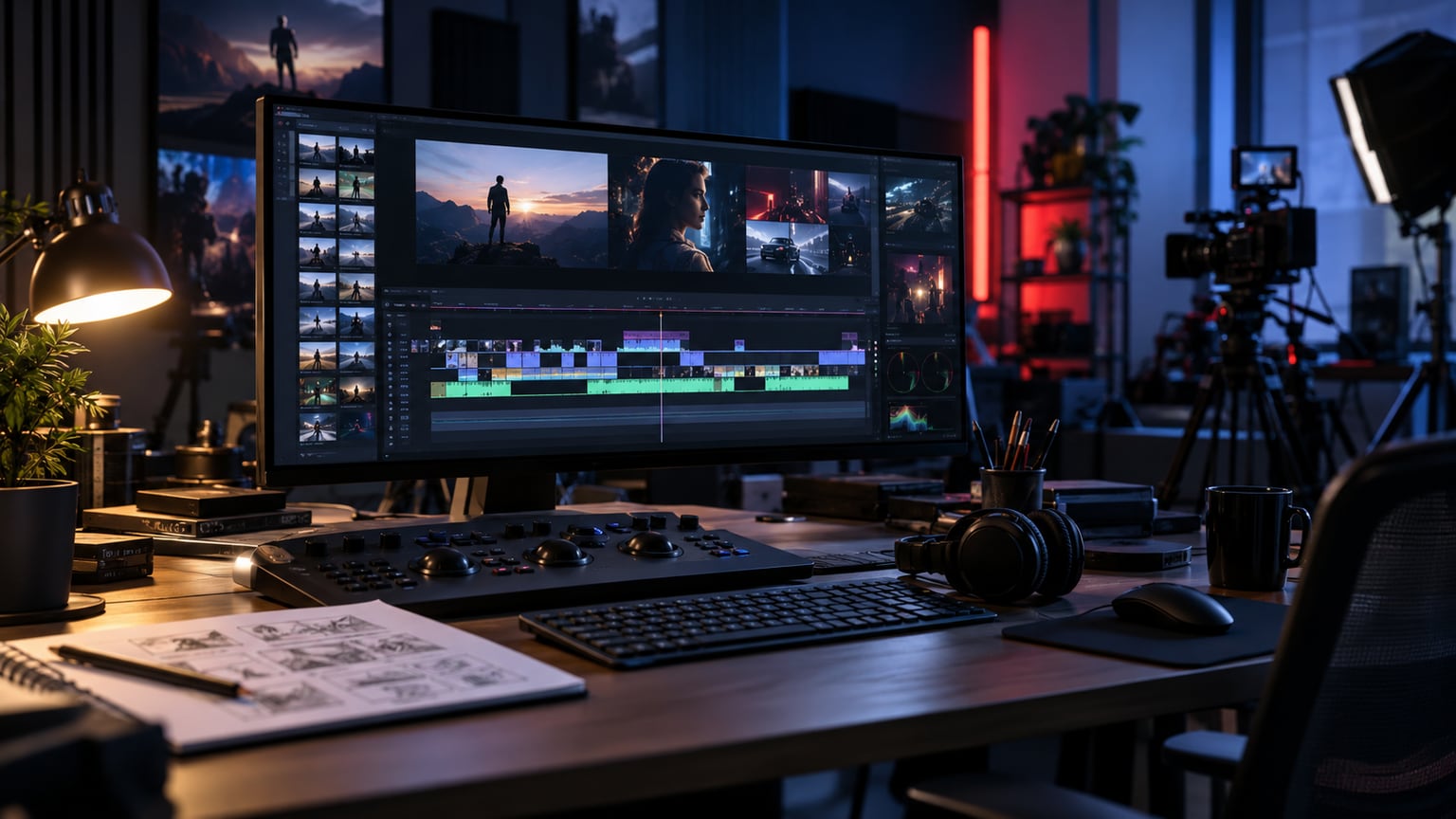
A YouTube channel trailer is a short video for people who visit the channel page for the first time. It should not be a simple intro or a random compilation of the best shots. Its task is simple: in a few dozen seconds, say who the channel is for, what problem it solves, how often content appears, and why the viewer should stay longer.
Start the YouTube channel trailer with a promise, not a greeting
The least needed sentence at the beginning of a trailer is: hello, welcome to my channel. A new viewer does not yet know if they want to stay. First, show them the reason. If you run an expert channel, start with the problem you regularly solve. If the channel shows company projects, show the work result and name the client's situation. If it is an educational series, say what the audience will learn after a few episodes.
A good promise does not have to be loud. A concrete statement is enough: we help brands prepare videos that are easier to commission, record, and publish. Or: on this channel, we show how to build a home recording setup without blowing the budget. Such a sentence immediately filters the audience. Those who are not interested will leave sooner. Those who have this problem get a reason to check out more videos.
Do not edit the trailer like an advertisement detached from the channel
The trailer should preview the real channel, not a brand version that cannot be maintained later. If regular episodes are calm, expert, and example-based, the trailer should show that too. Too aggressive music, fast cuts, and promises without backing may look impressive but set wrong expectations. After clicking on the first regular video, the viewer will feel the difference.
The best material for the trailer often already exists: episode fragments, shots from the set, process shots, screenshots of effects, client reactions, or short statements from the host. Editing should not hide the channel's character. It should condense it.
Define one audience and one next step
Before recording, answer two questions: who should watch the trailer and what should they do after watching it? You speak differently to a potential client, differently to an educational viewer, and differently to someone who is to join the community. A trailer for a service company may lead to contact, but a trailer for an expert channel should more often encourage watching a selected playlist or subscribing.
| Channel goal | What to show in the trailer | Best next step |
|---|---|---|
| Expert channel | viewer’s problem, topic examples, explanation style | watch the starter playlist |
| Company channel | work results, process, team, client type | contact or inquiry form |
| Product channel | product applications, most frequent questions, short demonstrations | instructional video or product page |
| Creator channel | personality, series format, publishing rhythm | subscription and latest episode |
Simple trailer structure in 45-60 seconds
There is no mandatory length, but at first contact, a short and dense video is safer than a mini documentary about the channel. YouTube help describes the trailer as a channel preview for people who are not yet subscribed. This is an important hint: the video should help understand the channel, not replace the best episode.
- 0-5 seconds: name the problem or show an effect the viewer will recognise.
- 5-15 seconds: say who the channel is for and which topics appear most often.
- 15-35 seconds: show 3-5 short proofs: episode fragments, process, results, examples.
- 35-50 seconds: explain the publishing rhythm or what to expect from the series.
- 50-60 seconds: give one CTA: subscribe, watch the starter playlist, or go to the form.
If the channel already has strong material, there is no need to record everything from scratch. You can add a short statement from the host and base the middle of the video on the best fragments. Then the trailer is credible because it shows real episodes, not a promise prepared only for the channel homepage.
What to record specifically for the YouTube channel trailer
Even if you use archival fragments, it is worth recording a few transitional shots. They help glue the trailer into one statement and avoid the impression of a random compilation. When recording, ensure a stable frame, good sound, and several variants of a short opening. The editor will be able to choose the version that best answers the new viewer’s question.
- A short introduction of the host without a long biography.
- One sentence about the channel’s audience and the recurring problem in episodes.
- Several cutaways from work, set, product, studio, or process.
- Fragments of the best answers from existing videos.
- A clean closing shot with space for a subscription button or link in the description.
If you are just building the channel, a guide how to record an expert video on YouTube will also be useful. The trailer will be much stronger if the base episodes have clear framing, sound, and topic, and do not require rescue in post-production.
Editing should lead to a specific viewing path
A trailer does not end the work. After watching it, the viewer should receive a logical starting point: a playlist, a main series, the latest episode, or a contact form. Therefore, it is worth planning the ending during editing. If the film is to lead to a playlist, the final sentences and description should announce it. If it is to support sales, the CTA should match the service, not just ask for a subscription.
In the case of a company channel, a layout works well where the trailer explains whom you help, and the channel sections show specific series. Longer materials can later feed shorts and previews. This process is described in more detail in the post one film, many formats.
What to avoid in a channel trailer
- An intro with a logo that is too long before the benefit for the viewer appears.
- Promises that are not visible in existing episodes.
- Chaotic editing without a clear order: problem, proof, next step.
- A CTA for everything at once: subscribe, buy, write, download, watch, like.
- Shots that look good but say nothing about the channel.
The simplest test is brutal: mute the film and check if the image still shows the channel's topic. Then turn on only the sound and check if it is clear who the channel is for. If one layer completely falls apart without the other, the trailer probably needs a clearer structure.
Sources and resources
A short checklist before editing a trailer
- You have one sentence of the channel's promise.
- You know whether the trailer should lead to subscription, playlist, contact, or offer.
- You have selected fragments from 3-5 episodes or a plan to record missing shots.
- The beginning answers the viewer's problem before the welcome and logo.
- The ending directs to one next action.
- The trailer sounds and looks like a real channel, not a separate advertisement.
You have a YouTube channel, but the homepage does not yet explain why it is worth staying? SVISUALS can edit a channel trailer, select fragments from existing episodes, record missing elements, and prepare a version ready for publication.
Discuss the YouTube channel trailer →