

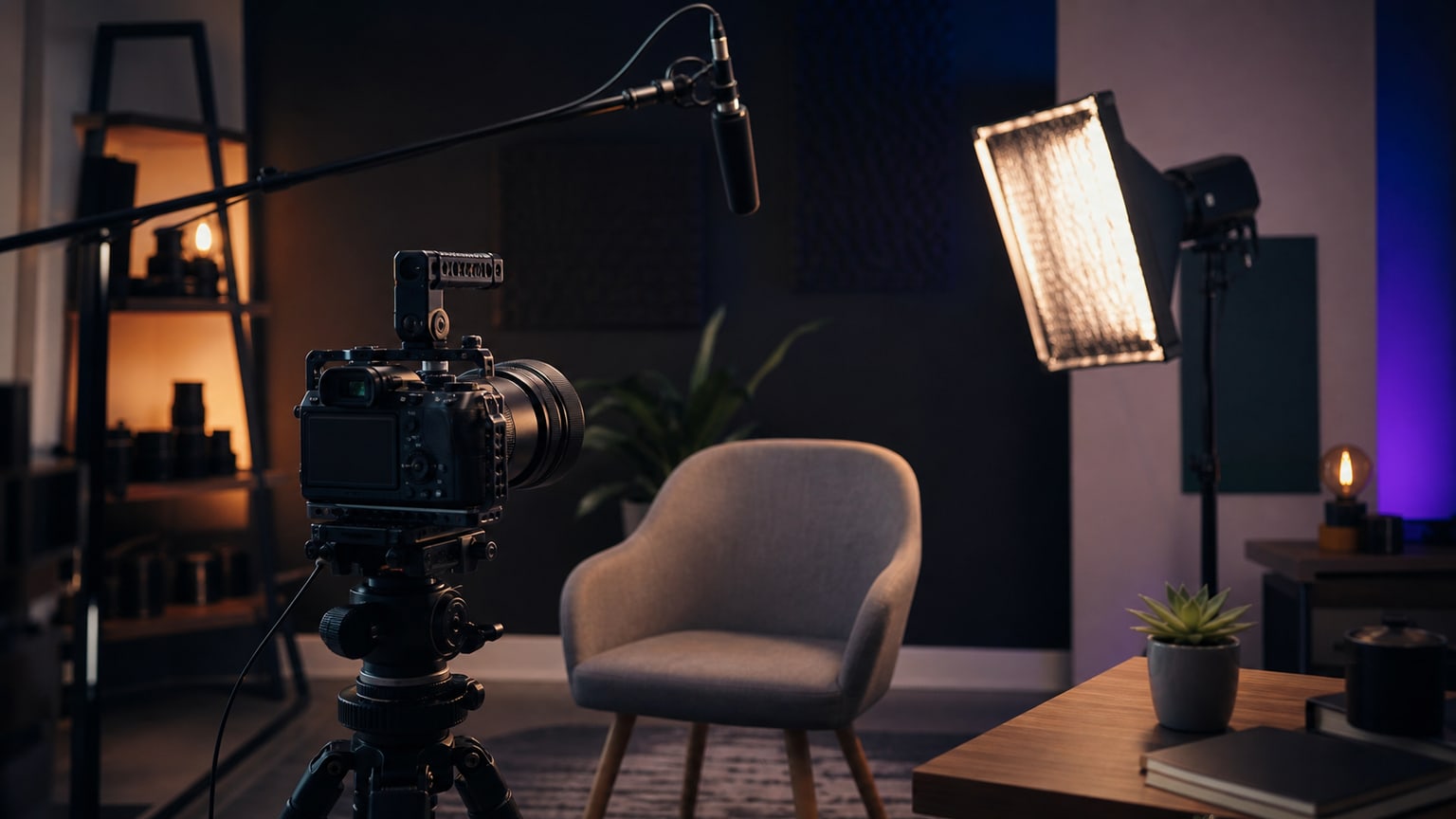
How to record an expert film on YouTube so that it later looks professional after editing? The most important thing is to prepare a simple, repeatable setup: stable framing, clear sound, soft lighting, a short speech plan and a few cutaways. An expensive camera helps but will not fix echo, accidental framing or a monologue recorded without pauses.
How to record an expert film on YouTube: start with the episode’s goal
An expert film works best when it answers one specific question. Instead of recording a general “I will talk about my service,” write down the sentence the viewer should understand after watching the material. It could be: “when to outsource editing to an external team,” “how to prepare a brief for a film” or “why one material requires several export versions.”
Such a goal helps in editing. It is easier to remove digressions, arrange logical chapters and select cutaways if you know where the speech is leading. Without this, the editor must first guess the thesis and only then build the film.
Framing: face, eyes and space for cuts
The simplest safe framing is a shot from the chest or slightly wider. The eyes should be roughly in the upper third of the frame, and it is not worth leaving a large empty space above the head. If you speak directly to the viewer, look into the lens. If the form is to resemble a conversation or interview, you can look slightly beside the camera.
Leave a little space on the sides. This allows for slight zooms later, composition correction or a vertical fragment for a short. Also, do not sit right next to the wall. Several dozen centimetres of distance from the background gives depth and looks better even with very simple equipment.
Sound is more important than the camera
In an expert film, the viewer will forgive phone-quality image faster than difficult-to-listen-to sound. The biggest problems are echo, air conditioning noise, echo from an empty room and a microphone set too far away. If you have a lavalier microphone, clip it close to the sternum and check that clothing does not rub against it. If you record with a desk microphone, place it closer to the mouth than the camera.
- Turn off the fan, air conditioning and phone notifications.
- Record a 10-second test and listen to it on headphones.
- Avoid empty rooms with bare walls and floors.
- Leave a few seconds of silence at the start to make it easier to clean the background sound.
Lighting: one good lamp is enough
You do not need a full film set. One large, soft light source set slightly to the side of the face is usually enough. It can be a softbox, LED panel with diffusion or a window if the light is stable. Avoid strong ceiling light as it creates shadows under the eyes and makes the face look flat.
The background should not be brighter than the face. If you have a window behind you, the camera may darken the person and overexpose the view. It is better to sit sideways to the window or cover it with a blind. A small lamp in the background can add depth but should not steal attention.
The script does not have to be rigid
The best material for editing often comes from points, not from text read word for word. Write down three to five blocks: problem, context, main answer, example and conclusion. Speak naturally but pause between thoughts. A pause is a gift for editing because it allows cutting without breaking breath or strange transitions.
- Record a short opening that immediately names the problem.
- Go through the points in order, without going back to the previous topic.
- If you make a mistake, stop for a second and say the sentence from the beginning.
- At the end, record one clear summary and call to action.
Record takes but do not delete failed attempts
If the first version of a sentence was chaotic, record it again. However, do not stop the whole project after every mistake and do not delete files on the spot. A failed take may contain a great fragment, gesture or natural entry to the next section. The editor will choose the best version if given the complete material and information about which takes are most important.
Cutaways save the pace of an expert film
A film in which only one face is seen for ten minutes quickly loses rhythm. Therefore, before recording, plan a few simple cutaways. They do not have to be spectacular. A screen with a project, notes, hands on a keyboard, a process fragment, product, workplace or detail related to the topic is enough.
- For each important point, record 2 or 3 auxiliary shots.
- Keep the camera steady and leave a few seconds before and after the movement.
- Record details horizontally if the main film is to be published on YouTube.
- If you plan shorts, shoot additional vertical shots of the key actions.
Technical settings that limit problems
Consistency is the most important. Set the camera or phone once and do not change the exposure during recording. If possible, lock the focus on the face and the white balance. Record in the highest quality that you can easily send later. Do not use social media app filters as the only version of the footage, as they cannot be reasonably undone afterwards.
For longer recordings, check the memory card, disk space, battery, and device temperature. It is better to take a short break between blocks than to lose the last 15 minutes due to overheating or a full card.
What to send for editing along with the recording
- The main file with the speech and all takes that you definitely do not reject.
- Cutaways, photos, graphics, logos, and source materials.
- A brief description of the film’s purpose and audience.
- Information on which parts must remain in the final version.
- References for pace, subtitles, thumbnail, or channel style.
The shortest checklist before pressing REC
- I know which one question the episode answers.
- The frame shows the face, eyes are high, and the background is not distracting.
- The sound is checked on headphones, not just on the camera preview.
- The light is soft, and the face is brighter than the background.
- I have a list of cutaways and know where to record them.
- I pause between thoughts and repeat a sentence after a mistake.
Do you have an expert video recorded or plan a series of episodes on YouTube? SVISUALS can help with editing, selecting takes, improving sound, subtitles, and preparing versions for publication.
See YouTube editing →Looking for a team to edit your channel? See what our YouTube video editing : projects, post-production scope and terms of ongoing cooperation look like.