

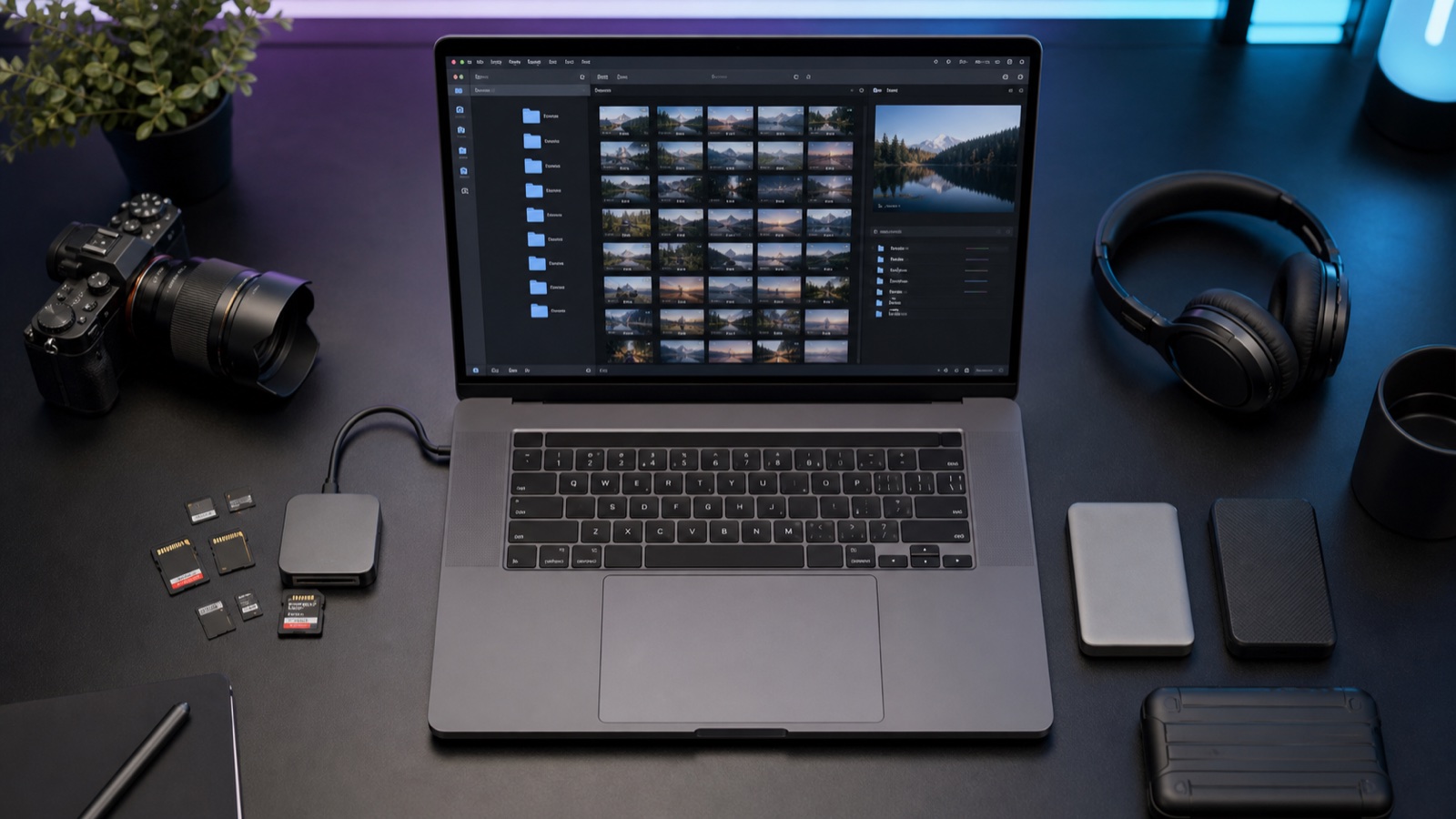
Prepare one folder for the film: original recordings from cameras, separate audio, graphics, references and a short brief. Keep file names and card structure, and describe selected fragments in a note. Before sending, check downloading and keep a copy for yourself. The editor should know what is to be created, which shots are important and if anything is missing.
Checklist before sending
- You have a copy of the recordings outside the folder intended for sending.
- Each camera and card has a separate directory; original names and accompanying files are preserved.
- You provide the originals, not just proxies or a video downloaded from a messenger.
- You include separate audio and information about microphone assignment and synchronization.
- Graphics, references and any project files are separated from the recordings.
- The brief specifies the purpose, formats, deadline and the person approving; important moments have file names and timestamps.
- The shipment is completed, the link allows downloading files, and the editor knows its expiry date.
1. Folder structure before sending
Below is an example for a conversation recorded with two cameras. The directories are located in one folder, e.g. ROZMOWA_2026-10-05. Do not create empty folders for things you do not have; the names are primarily to help recognise the content.
| Folder | What to include |
|---|---|
| 00_BRIEF | Brief.txt and UJECIA.txt: purpose of the film, exports, important fragments and information about missing elements. |
| 01_WIDEO/Camera_A/Card_01 | Complete copy of the first card from camera A, together with the original structure. |
| 01_WIDEO/Camera_B/Card_01 | Complete copy of the card from camera B. Add subsequent cards separately as Card_02 etc. |
| 02_AUDIO | Original recorder file and description: which microphone or channel belongs to which person. |
| 03_GRAPHICS | Logos, title cards, photos and other materials needed in the film. |
| 04_REFERENCES | Links or style examples, with a brief description of what should be the reference point. |
| 05_PROJECT | If you are providing an ongoing edit: project file and collected media and dependency list. |
2. Preserve original names
Do not change the original file names after importing them into the project. Assign descriptive names to folders, and record information about the shot in a note. When two cameras record a file C0001.MP4, separate directories for cameras and cards allow distinguishing both files without overwriting. Also keep files accompanying the recordings.
Adobe describes the name, extension, media start and tape name as criteria for linking offline files. Their combination should uniquely identify the recording. This is why when handing over an existing edit, you should not accidentally change names or mix files with the same name in one directory.
3. Selection without losing recordings
Do not delete recordings from the only copy to reduce the package size. Mark duplicates, tests and fragments that can be omitted, and state whether you are sending everything or an agreed selection. Short pauses, reactions and cutaways may be useful for editing even if at first glance they are not the main shot.
4. Mark specific fragments
In the UJECIA.txt file, enter the recording location, time counted from its start and a brief note. Example: camera A, card 01, file C0001.MP4, 00:32-00:48, answer about the product, keep in full. The folders from the table indicate where to find this file. If you use camera timecode instead of file time, note this. The information "the third shot is the best" alone is ambiguous.
5. Separate audio and synchronization
Include original files from the recorder, not just the final mix. Describe microphones, channels, breaks and moments of restarting the recording. Keep audio from the camera: it can serve as a reference point. If there was a clapperboard, clap or common timecode on set, mention it. If there was no synchronization point or the sound gradually drifts from the image, report this before starting editing.
6. Originals, project and verified link
Do not export all raw recordings into one MP4 just to send them. Proxies and previews do not replace originals; provide them additionally if agreed. For an ongoing edit, also include a preview of the current version and the name of the sequence to be continued.
For Premiere projects, Adobe describes File > Project Manager > Collect Files and Copy to New Location. The tool creates a new project and collects media for selected sequences. The Exclude Unused Clips option skips unused materials, so do not select it without agreement if the editor still needs to make a selection. Check the completeness of the copy provided, not just the presence of the .prproj file.
- Agree with the editor on the delivery location and required permissions for downloading.
- Wait for the upload to finish; check the number of files and open a sample of image and sound.
- Check access from the recipient's account or according to the agreed access method, not just from your own logged-in session.
- Provide the link expiry date. Do not delete sources or disconnect access during work without agreement.
7. Brief and list of ready exports
In the brief, write: recipient and purpose of the film, approximate length, mandatory elements, style example and what to avoid. The export list should specify platform, aspect ratio, resolution, frame rate, language and subtitles. If you do not know which parameters to choose, mark it for agreement instead of guessing.
Example brief: expert conversation on YouTube, about 8 minutes, horizontal 16:9, 1920 × 1080, 25 fps; separately two vertical 9:16 clips with Polish subtitles. In the main version, answers indicated in UJECIA.txt remain. Planned publication: 20 October; deadline for the first version to be agreed. Approving person: channel host. This is an example of scope, not a ready quote or deadline promise.
Sources and resources
Do you have material ready to send? Submit a brief without creating an account. We will get back to you with the scope, pricing, and proposed deadline.
Get an editing quote →Looking for a team to edit your channel? See what our YouTube video editing : projects, post-production scope and terms of ongoing cooperation look like.